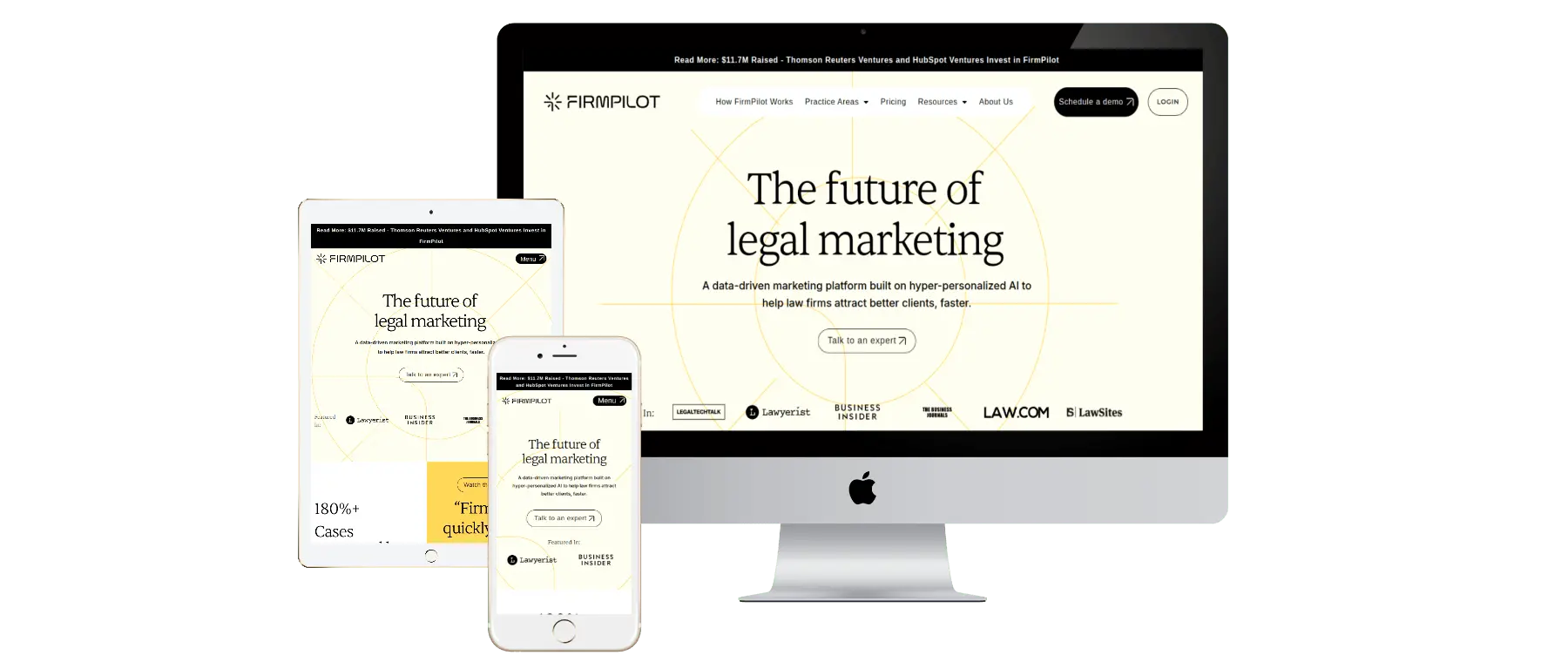
From Figma to a WordPress site that matches the design
Send me your Figma, Adobe XD, Sketch or PSD files and I’ll build them in WordPress as a custom theme, Gutenberg blocks or Elementor layouts. The finished site matches your design closely on every screen size, and your team can still edit it.
“Rizwan is an EXPERT level WordPress developer, great with Elementor, and responsive design. Happy to work with him again on any WP project, thank you!”
WWordPress and Elementor page build
★★★★★
“Working with Muhammad was absolutely wonderful. A true expert in his field, I will be working with him very closely in the next few months”
EElementor website from a Figma file
★★★★★
“He’s fast and accurate. The question he asked about the brief was very professional and made the client be more clear about what they wanted. Very appreciate!”
HHTML website build
How we’ll work
How a Figma to WordPress project runs
01
Design audit
I review every page and mobile frame, then send all my questions about missing states and edge cases in one list.
02
Plan components and fields
We agree what your team will edit, and choose between a custom theme, Gutenberg blocks or Elementor.
03
Build and compare
Styles first, then components, then pages, each checked against Figma at desktop, mobile and the sizes in between.
04
Handover
You get a walkthrough of how to edit each page type and notes on anything unusual in the build.
Tools I use for this
Figma
Adobe XD
Sketch
Photoshop
WordPress
Gutenberg
ACF Pro
Elementor
GSAP
Start your project
Have a Figma design ready to build in WordPress?
Tell me a little about what you need. I’ll read it properly and reply with questions or a clear next step, usually within one working day.
Figma, Adobe XD, Sketch and PSD. Figma is easiest because I can inspect spacing, styles and assets directly, but all four work.
Will the website match the design exactly?
It will match closely on desktop and mobile. Where a design doesn’t cover a screen size or a state, like an error message or an empty search result, I’ll suggest how to handle it and check with you first.
Can my team edit the site after it’s built?
Yes. I build with editing in mind, using Gutenberg blocks, ACF fields or Elementor templates depending on how your team prefers to work.
Can you build my Figma design in Shopify instead?
Yes. Shopify builds from Figma are part of my Shopify development service, with custom Shopify 2.0 sections your team can arrange in the theme editor.
Do you design websites too?
My focus is turning designs into working websites. If you don’t have a design yet, we can discuss the layout and direction during planning, or work from a design your designer creates.