WordPress case study
Leap Event: fixing a broken booking system on an outdated WordPress site
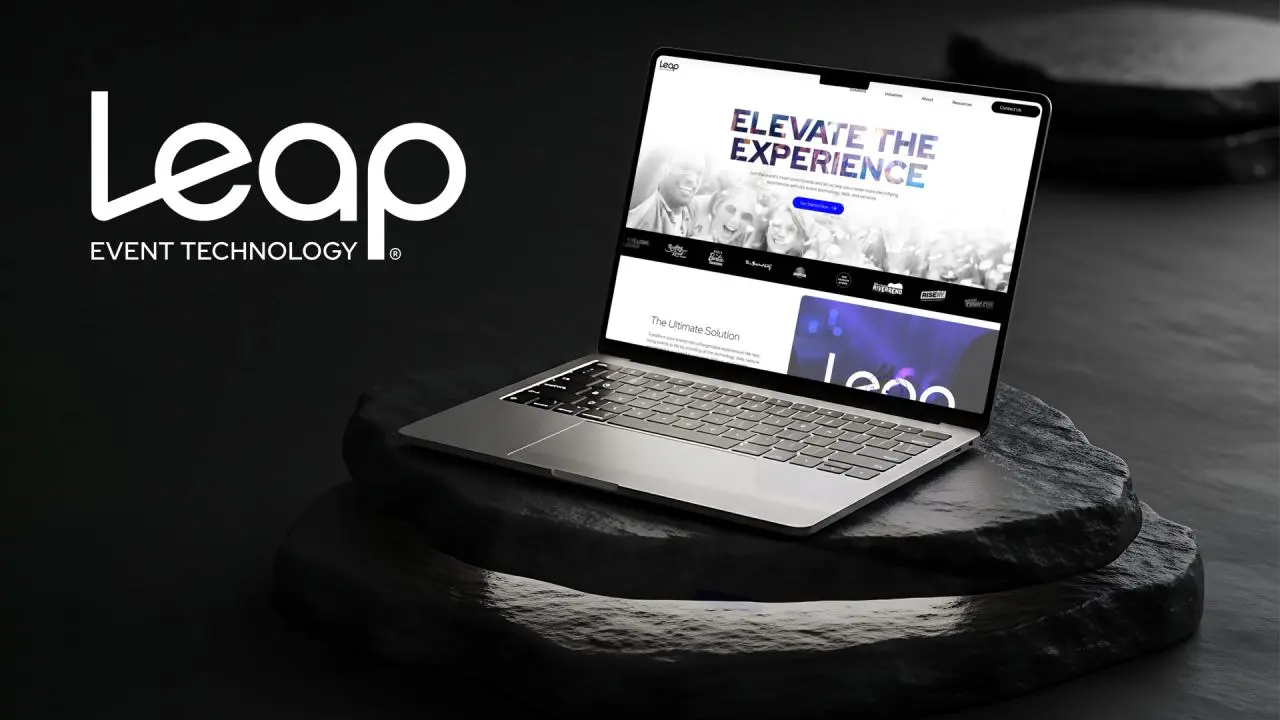
Leap Event’s website had fallen behind on updates, and its calendar and booking system had stopped working, so visitors couldn’t book events. I brought the site up to date and got bookings working again.
The brief
What Leap Event needed
The site was outdated, with plugin, theme and database issues building up over time and features that no longer worked.
The most urgent problem was the event calendar and booking system. It was malfunctioning, which stopped users from booking events at all.
What I built
The work, step by step
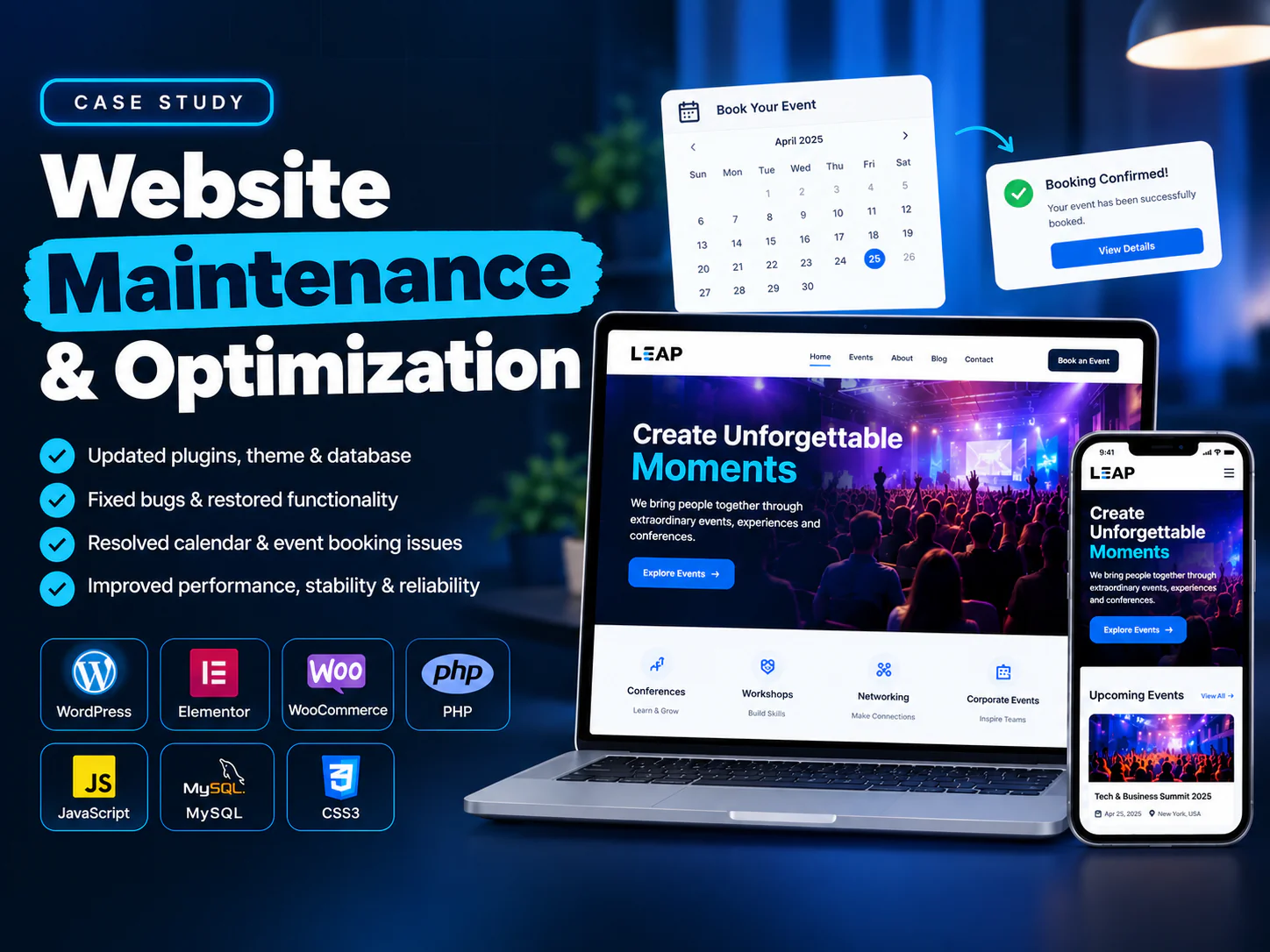
Plugins, theme and database updated
I resolved plugin, theme and database issues and updated the site’s core components so it was running on current, supported versions.
Bugs fixed, functionality restored
I tracked down and fixed the bugs that had built up, and restored the features that had stopped working.
Calendar and event booking repaired
I troubleshot the calendar and booking system until users could pick a date and book an event smoothly again.
Performance, stability and reliability
With the fixes in place, the site runs faster and more reliably, which improves the experience for every visitor.
Tools and technologies
The stack behind it
- WordPress
- Elementor
- WooCommerce
- PHP
- JavaScript
- MySQL
- CSS3
The result
The result
Leap Event can take bookings again, on a site that is up to date, stable and quicker to use than before.
See the live website (opens in a new tab)